
• Skip to Content
  • Skip to Footer

CVGenius

CVGenius

The World's Smartest CV Builder

    • Professional CV Maker
    • Cover Letter Builder
    • CV Checker
    • Word
    • Canva
    • Google Docs
    • Simple
    • Modern
    VISIT CV TEMPLATE LIBRARY
    • Student CV
    • First-Job CV
    • Graduate CV
    • School Leaver CV
    • Retail CV
    • Marketing CV
    VIEW ALL CV EXAMPLES
    • Cover Letter Templates
    • Cover Letter Examples
    • How to Write a Cover Letter
    • Cover Letter Formatting
    Build My Cover Letter Now
    • How to Write a CV
    • CV Formatting 101
    • Skills for Your CV
    • FAQs
    VISIT THE BLOG
    • France
Make My CVLog In

CV Checker Test

Need help getting your CV recruiter-ready?

Free CV Checker: Test ATS Compatibility

Upload My CV
An upload CV icon

As featured in:*

The names and logos of the companies referred to above are all trademarks of their respective holders. Unless specifically stated otherwise, such references are not intended to imply any affiliation or association with CVGenius.
Logo of the British Broadcasting Corporation (BBC)
The logo for Forbes
The logo of the Student Room
The logo of the University of Warwick
The logo of Yahoo

Make your CV recruiter-ready with expert ATS support

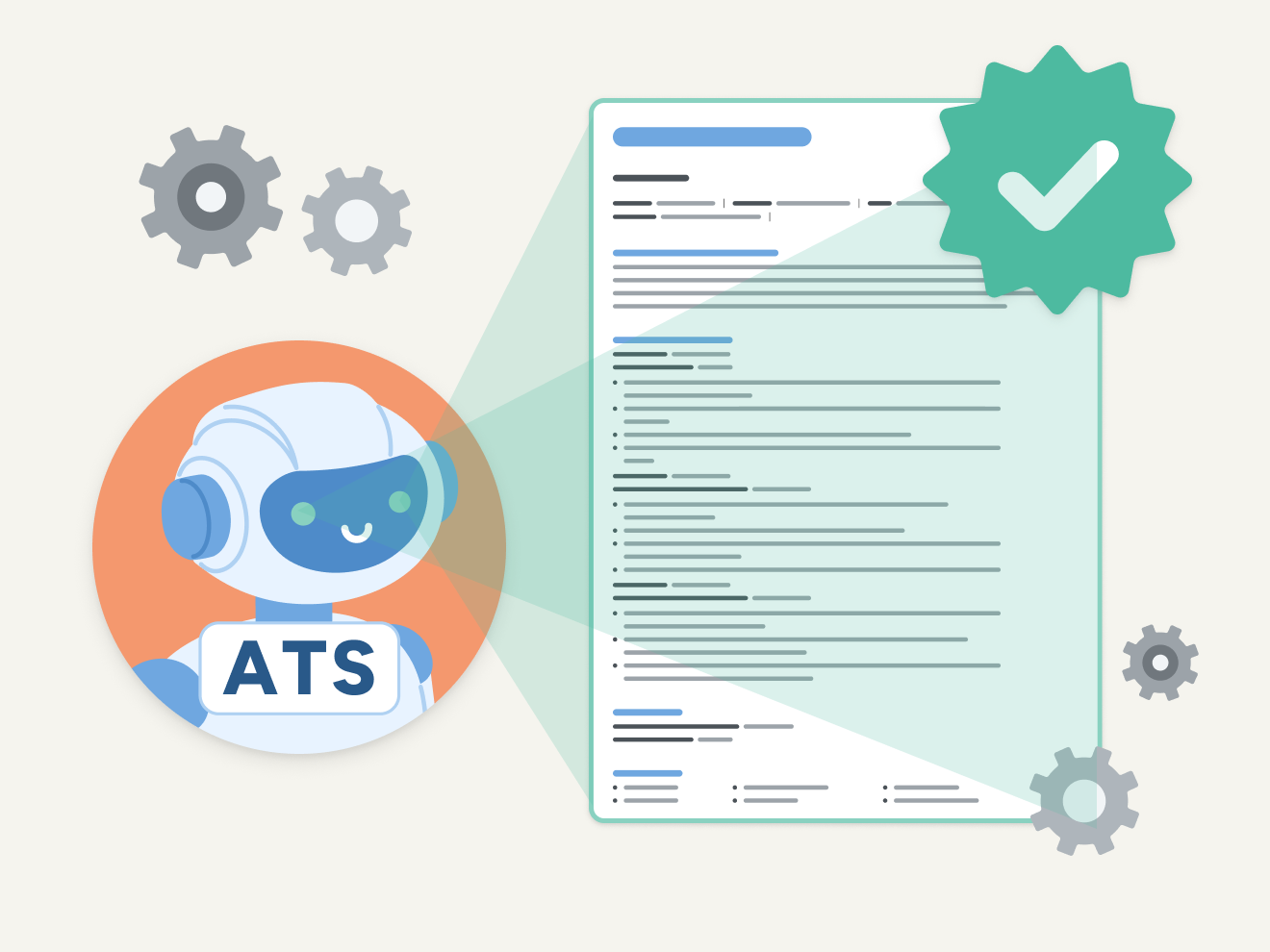
Artistic illustration of an ATS scanning a CV

Optimise your CV for ATS software

To maximise your chances of getting hired, your CV needs to be formatted to pass the applicant tracking systems employers use to filter applicants.

Instantly transfer your CV into 20+ templates, each designed to pass ATS scans and impress recruiters.

Upload My CV
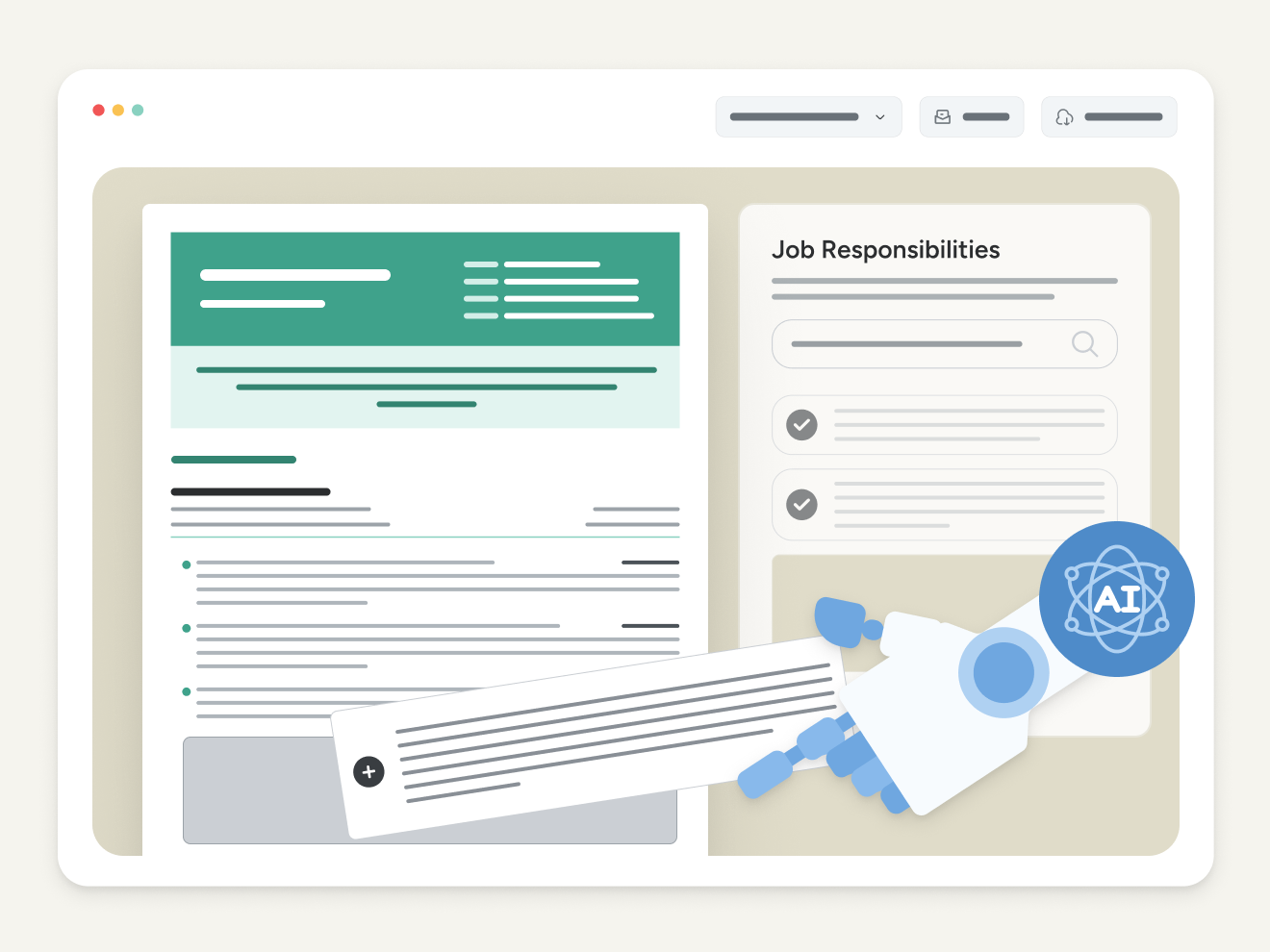
Artistic illustration of the CV checker making content improvements to a CV

Edit and improve your CV with AI

Find the right words to make each achievement stand out. Rework your personal statement in one click, or use our bullet point assistant to fine-tune your job descriptions. Unlike generic AI tools, our CV Checker writes specifically for job seekers, so you’ll get concise, recruiter-ready results, without extra editing.

Upload My CV
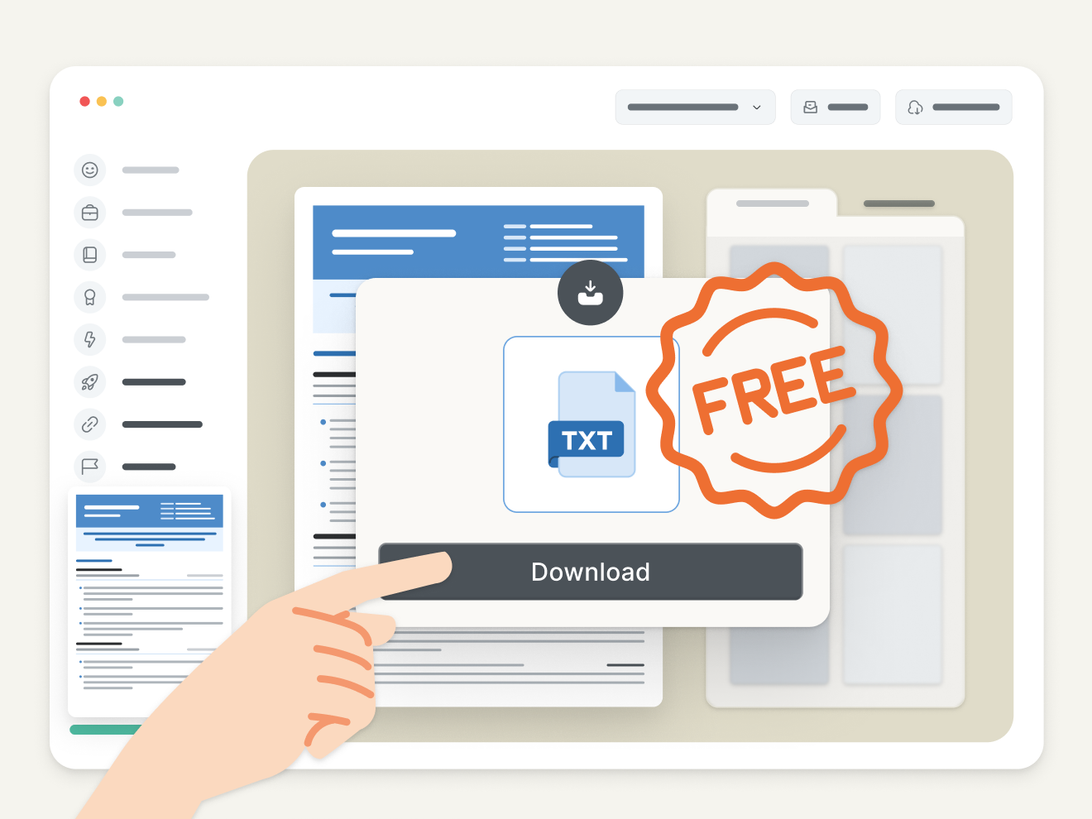
Artistic illustration of a download window in the CV checker

Download a free plain text edit of your improved CV

Use our CV Checker to adjust your CV’s wording for specific jobs and industries. Then, download a plain text (.txt) version that you can easily format in any word processor. It’s a simple way to beat writer’s block.

Upload My CV
Artistic illustration of the CV checker's premium features

Access extra features for a competitive edge

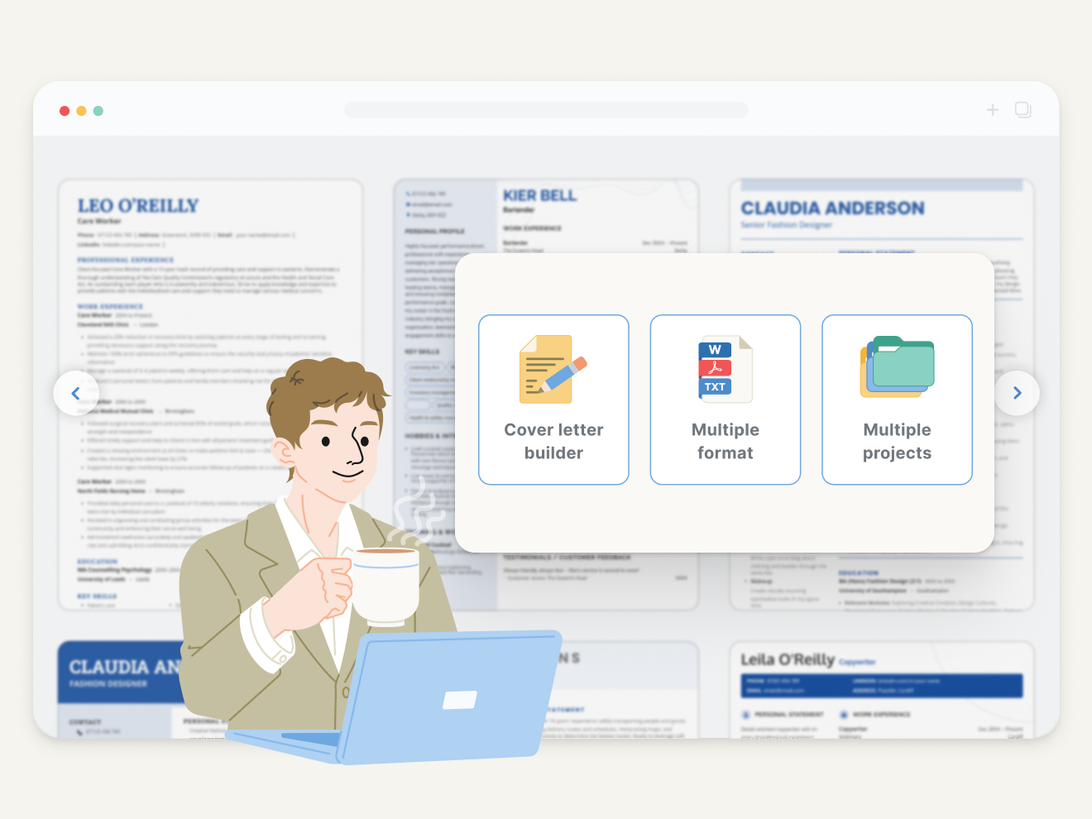
Download your CV in DOCX or PDF anytime, make a strong first impression with our cover letter builder tool, and get advice from our expert writers. Save unlimited CVs so you’re ready to apply the moment an exciting opportunity comes up.

Upload My CV

Frequently Asked Questions

How do I check if my CV is readable?

Use this quick checklist to make sure your CV is easy to scan:

  • Are sections divided with clear spacing and headers?
  • Is your name, phone number, and email easy to spot at the top?
  • Are your headers short and clear (under 30 characters)?
  • Is the body text at least 10 pt for readability?
  • Have you kept sentences short and simple?
  • Is your CV no longer than two pages?

For a final check, share your CV with a friend or family member. Give them just 30 seconds to read it, then ask what role you’re applying for. If they can guess correctly, your CV is clear.

Can I check my CV using ChatGPT?

Yes, you can use ChatGPT to check your CV’s spelling and grammar.

Before uploading, remove personal details, such as your name and address. Then, upload a DOCX or PDF version of your CV and use this prompt:

Check that the spelling and grammar of the uploaded file is correct and suitable for a CV. Use British English. Return suggestions for improvement in a bulleted list.

Remember, ChatGPT is great for improving language. However, if you need detailed feedback on the content of your CV (e.g., your achievements, bullet points, or personal statement), you’ll get more targeted support from a CV checker or builder tool. You can also ask a friend to check your CV for you if they work in your field or industry.

What is a good font for a CV?

The best fonts for CVs are simple and easy to read. Good choices include:

  • Times New Roman
  • Arial
  • Helvetica
  • Open Sans

Use a widely recognised font for both headers and body text so the employer’s ATS can easily parse your CV.

How should I design my CV for an ATS?

To design your CV for ATS parsing, you should use clear headers, standard fonts, and a traditional CV format.

An easy way to achieve an ATS-compatible CV is by downloading a CV template designed for ATS parsing.

When choosing a template, also consider the company culture. For more formal companies, your CV’s design should be simple and straightforward.

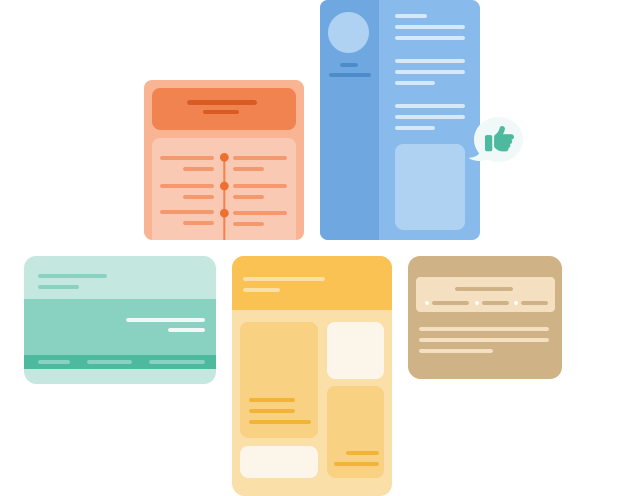
Five cover letters of varying colours and styles.

Upgrade your CV

Quickly enhance your CV with our AI-powered editor, designed specifically for job seekers. Edit your CV's design and colour with a couple of clicks. Save multiple CVs for different jobs so you can apply the moment an opportunity arises.

CHECK MY CV
Five cover letters of varying colours and styles.
Tools
  • CV Maker
  • CV Checker
  • Cover Letter Builder
CV
  • CV Examples
  • CV Templates
  • How to Write a CV
  • CV Format
Cover Letter
  • Cover Letter Examples
  • Cover Letter Templates
  • How to Write a Cover Letter
Resources
  • Blog
  • CV Help
  • Cover Letter Help
  • Career Advice
  • Interview Help
  • Product Reviews
Support
  • Contact Us
  • About
  • Cookie Policy
  • Forgot Password
  • Terms & Conditions
  • Privacy Policy
  • Accessibility
  • GDPR
Contact Us
  • support@cvgenius.com
  • 0800-196-2674
  • Mon-Fri 08:00-00:00
    Sat-Sun 10:00-18:00
France
Instagram Facebook Youtube Twitter

© 2026, Sonaga Tech Limited. All rights reserved CVGenius.com is owned and operated by Sonaga Tech Limited, Hamilton, Zweigniederlassung Luzern with offices in Luzern Switzerland.